English vocabulary for iPhone
Learn English words in the glances you already take.
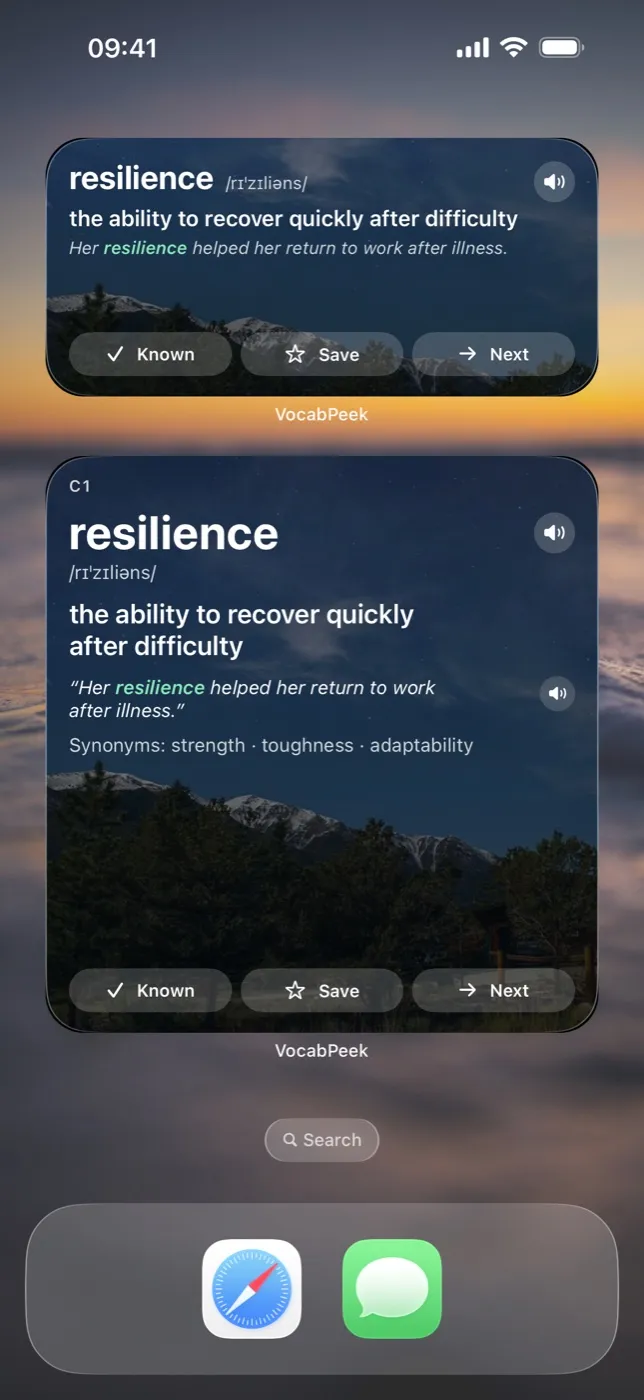
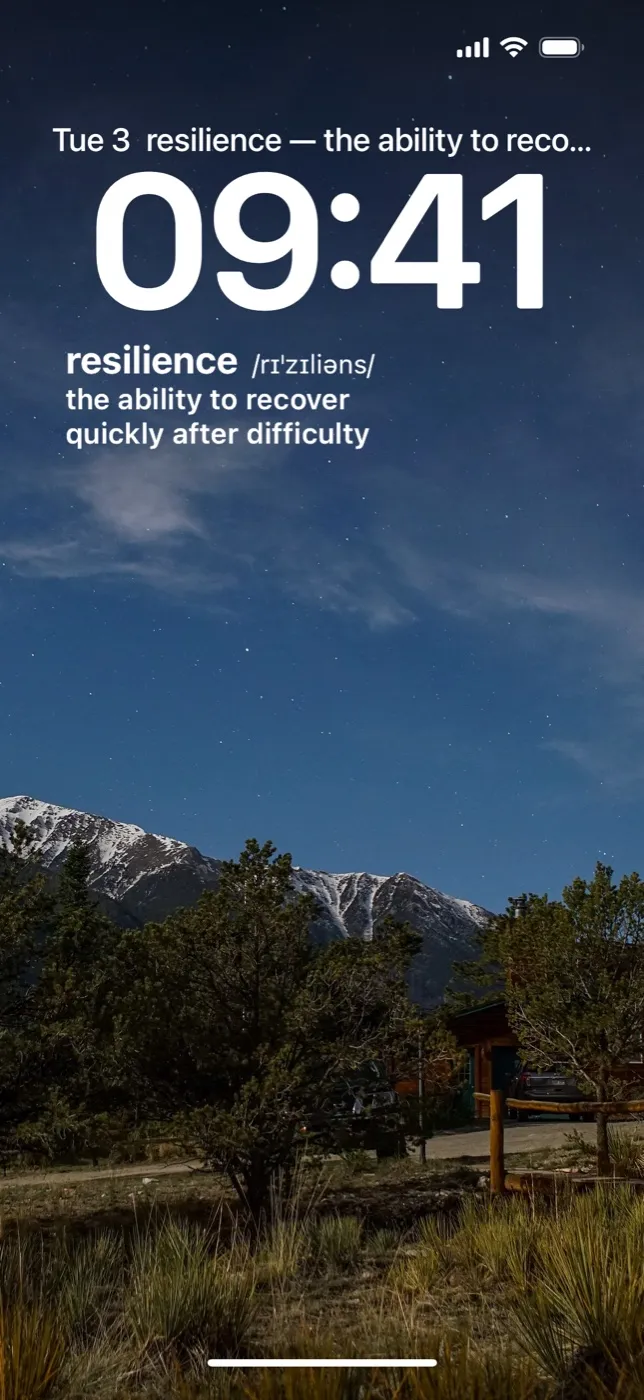
VocabPeek puts one English word on your Lock Screen and Home Screen — pronunciation, meaning and an example — and changes it as often as you like. Words you know, you send away for good. Words you are still learning come back when they are due.
iPhone, iOS 18 and later · Free to start · No account needed
How it works
Three habits, no lessons to fall behind on
- 1
Start at your level
Three rounds of twelve words: tap the ones you already know. VocabPeek places you at the right level, and the words you tapped go straight to Known.
- 2
Put a word where you look
Widgets for the Lock Screen and every Home Screen size. The word changes every 30 minutes, hour, 2, 4 or 6 hours — your choice, with quiet hours at night.
- 3
Glance, then decide
Tap Known and the word never returns. A word you have seen but not marked comes back after 1, 2, 4, 8, 16 and 32 days, then retires.
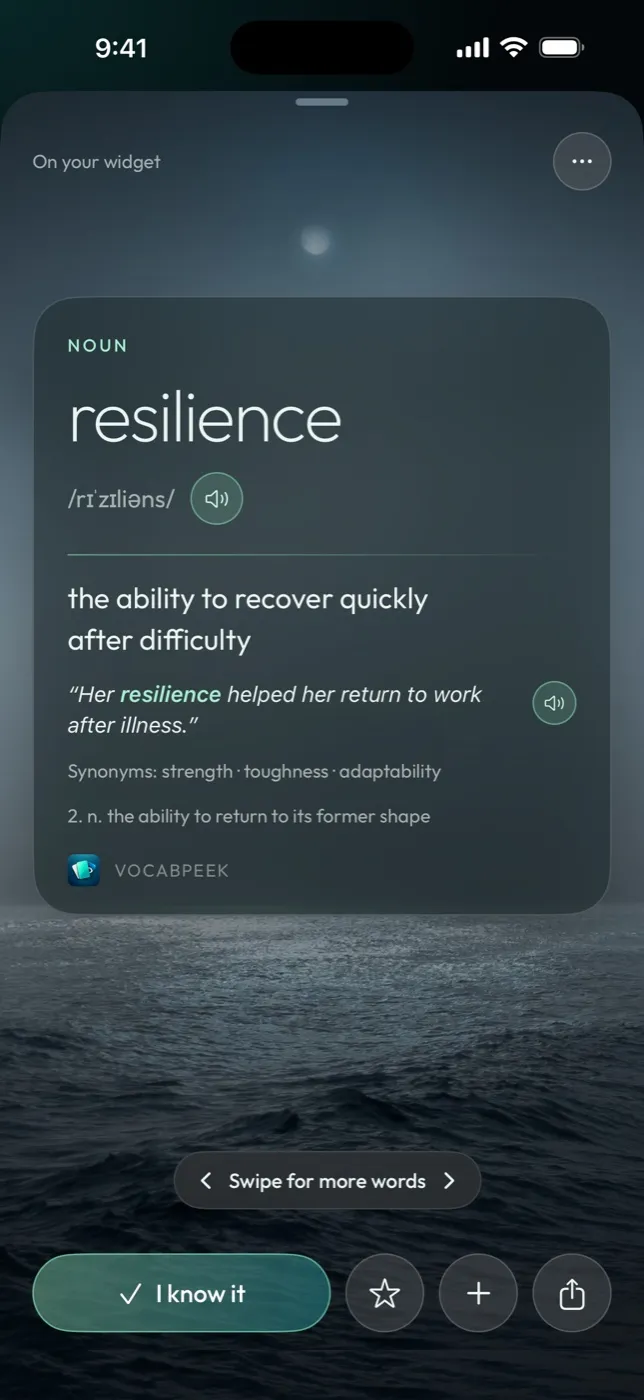
The widget is the lesson
- Known, Save, Next right on the Home Screen widget, without opening the app.
- Hear it with the speaker button, in the voice built into iOS.
- Meaning in your language Vietnamese, Japanese, Korean or Traditional Chinese, next to the English definition — or English only.
- A review widget that asks you to pick the right meaning of a word you have met.
- Six practice games in the app when you want more than a glance.
The words
Common words, graded finely
No made-up words and no rarities for show. Each CEFR band is ordered by how often the words appear in Google Books, then cut into levels — and a level never mixes two bands.
| Band | Levels | Words |
|---|---|---|
| A1 | 1–2 | 882 |
| A2 | 3–4 | 1,206 |
| B1 | 5–7 | 2,137 |
| B2 | 8–10 | 2,415 |
| C1 | 11 | 909 |
| C2 | 12 | 873 |
| Advanced | 13–15 | 3,063 |
Two extra sets: Academic, for IELTS and TOEFL (958 words), and GRE/SAT (2,774 words).
Counted from the app’s word database on 6 November 2026.
Where they come from
- Words and levels, A1–B2
- The CEFR-J Wordlist Version 1.5, compiled by Yukio Tono, Tokyo University of Foreign Studies
- C1–C2 words
- Octanove Vocabulary Profile C1/C2 1.0 by Octanove Labs (CC BY-SA 4.0)
- Academic set
- New Academic Word List by Browne, Culligan and Phillips (CC BY-SA 4.0)
- Senses
- Open English WordNet, 2025 edition (CC BY 4.0)
- Word frequency
- Google Books Ngram 1-grams (CC BY 3.0)
- Pronunciation
- CMU Pronouncing Dictionary, Carnegie Mellon University
What we are careful to say
Definitions, examples and translations are written by a language model once, when the word list is built, following each word’s WordNet senses. Every word card has a button to report a wrong meaning.
Words, progress and your own lists stay on your iPhone and in your iCloud. There is no account to create.
Pricing
Start free, unlock every word when you are ready
Free
The most common words of every level, the widgets and the placement check.
VocabPeek Pro
Every word in all 15 levels, the Academic and GRE/SAT sets, all six practice games and the Journey, unlimited personal lists on the widget, every photo and accent colour.
- $7.99 a month
- $39.99 a year
- $79.99 once
US prices; the App Store shows the price in your country. No free trial, so nothing renews by surprise.
One word now. Another in an hour.
Add VocabPeek to your Lock Screen and let the words come to you.
Get VocabPeek — free